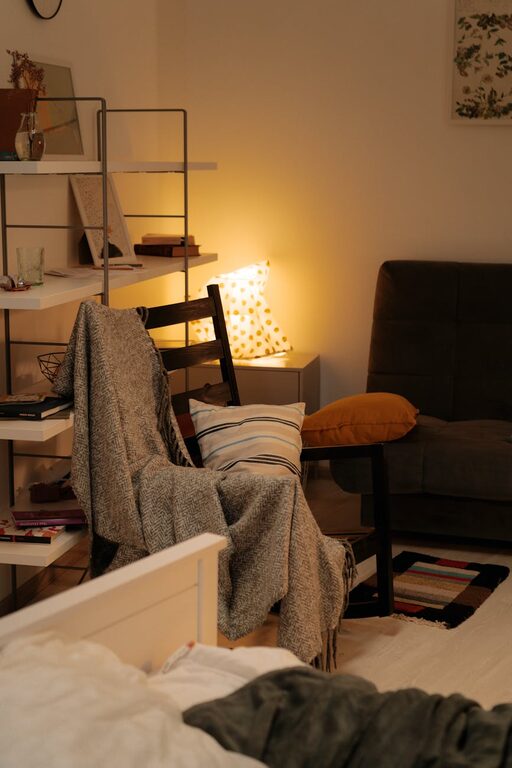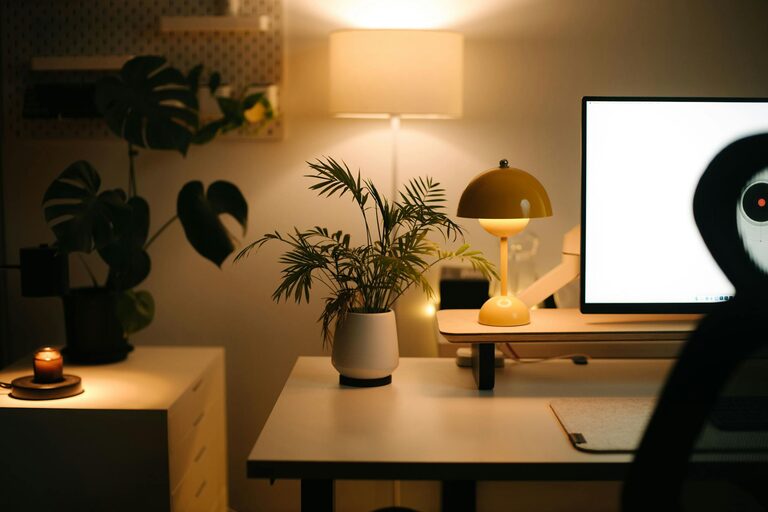
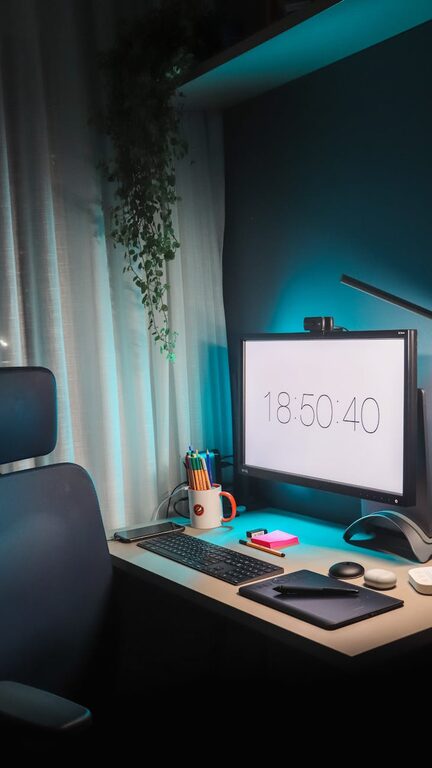
Creating a relaxing home workspace is essential for maintaining focus and boosting productivity, especially when balancing work and home life. A well-designed workspace not only enhances efficiency but also reduces stress and increases comfort throughout your workday. Here are some practical tips to help you create a calm and productive home office environment.
Choose the Right Location
Find a Quiet Spot
Selecting a quiet area in your home is the first step to building a relaxing workspace. Avoid high-traffic areas or rooms with lots of distractions. If possible, use a spare room or a corner in your bedroom or living room where you can close the door and minimize noise.
Consider Natural Light
Position your desk near a window to maximize natural light, which helps improve mood and reduces eye strain. However, be mindful of glare on your screen; use curtains or blinds to control the amount of sunlight.
Invest in Comfortable Furniture
Ergonomic Chair
A good chair supports your posture, preventing back pain during long work hours. Choose one that offers adjustable height and lumbar support to keep you comfortable and focused.
Spacious Desk
A clutter-free, spacious desk allows you to organize your work materials efficiently. Select a desk that fits your needs—whether it’s a standard rectangular desk or a standing desk that encourages movement.
Keep Your Space Organized
Declutter Regularly
An organized workspace helps clear your mind and decreases distractions. Take a few minutes at the end of each day to tidy your desk and put away unnecessary items.
Use Storage Solutions
Incorporate storage options like shelves, drawers, or storage boxes to keep supplies, documents, and gadgets neatly arranged and easily accessible.
Add Calming Elements
Soothing Colors
Choose soft color tones for your workspace, such as light blues, greens, or neutral shades. These colors promote relaxation and focus without overwhelming you.
Plants and Greenery
Adding plants can improve air quality and create a soothing atmosphere. Choose low-maintenance plants like succulents, snake plants, or pothos that thrive indoors.
Personal Touches
Include a few personal items that inspire you, such as photos, artwork, or motivational quotes. Keep these tasteful and minimal to avoid cluttering the space.
Minimize Digital Distractions
Manage Notifications
Turn off non-essential notifications on your devices during work hours to maintain concentration. Consider using apps or browser extensions that block distracting websites temporarily.
Organize Your Digital Workspace
Keep your computer desktop tidy and create folders to organize files. This reduces time wasted searching for documents and keeps your focus sharp.
Create a Routine
Set Work Hours
Establish clear start and end times for your workday. A consistent schedule helps your mind switch into “work mode” and provides structure to your day.
Take Breaks
Incorporate short, regular breaks to rest your eyes, stretch, and recharge. Consider techniques like the Pomodoro method—working for 25 minutes, followed by a 5-minute break to maintain productivity without burnout.
Incorporate Relaxation Tools
Use Aromatherapy
Essential oils such as lavender or eucalyptus can create a calming atmosphere. Use a diffuser or scented candles in your workspace, but ensure good ventilation.
Play Soft Background Music
Instrumental or ambient music can help some people focus better by masking distracting noises. Experiment to see what kind of music works best for you.
Keep Technology User-Friendly
Invest in Good Equipment
Using quality headphones, a reliable mouse and keyboard, and a second monitor can improve comfort and workflow—making tasks more efficient and less stressful.
Ensure Good Internet Connection
A stable internet connection minimizes frustration and keeps you connected with colleagues and clients without interruptions.
Maintain Clean Air and Comfortable Temperature
Ventilation
Make sure your workspace has good airflow to keep the air fresh. If possible, open windows regularly or use air purifiers to improve air quality.
Temperature Control
Maintain a comfortable room temperature to avoid discomfort that can distract you from your work. Use fans, heaters, or air conditioning as needed.
—
Creating a relaxing workspace at home is about balancing functionality with comfort. By setting up a dedicated, organized, and peaceful area, you can enhance your productivity while making your work environment enjoyable. Start by making small changes and adapt your space to what works best for your lifestyle and preferences. Remember, the goal is a workspace that supports both your professional focus and well-being.
About the Author